
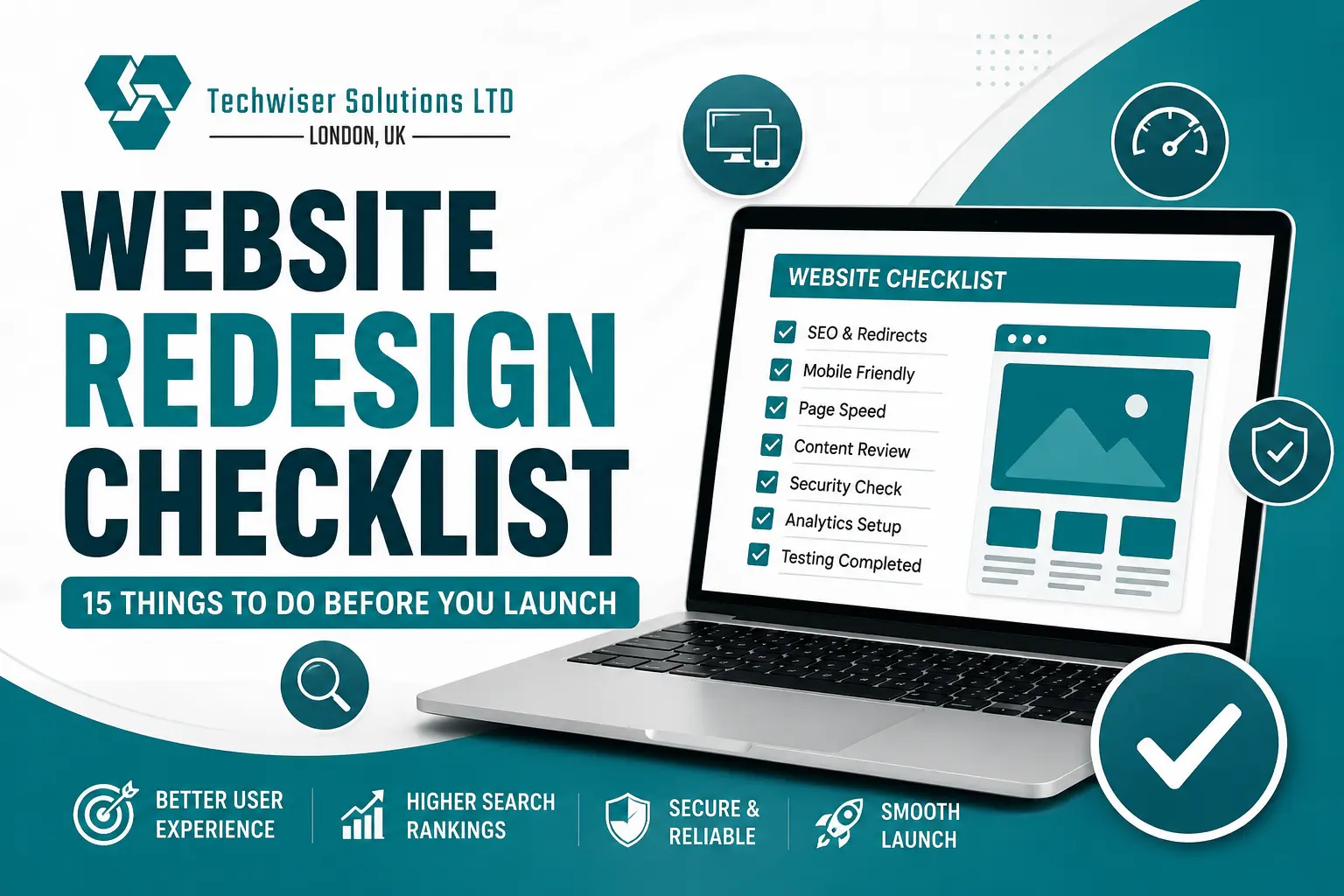
Rolling out a revamped website feels like a real milestone, yet it’s also the moment where tiny oversights can become big problems. If a redirect is missing, the contact form is broken, or the page loads too slow, it can quietly hurt your search visibility and overall user experience. Using a website redesign checklist, even a sort of simple one, helps you launch with a lot more trust, and it can lower the chance of those surprise issues popping up later.
When you are updating your company website, or even swapping out an older one, preparation is the real key to everything. This guide kind of shares 15 practical checks you should do before your new website goes live. At Techwiser Solutions Ltd, we build websites that are tuned for performance, practical usability , and steady long- term growth.
1. Set Clear Goals
Before you launch, take a moment and decide what you really want your new website to end up doing. Your goal might be to bring in more enquiries , boost online sales, or maybe improve how people engage and stay interested. If the aims are clear from the start, it is easier to check whether things are working after the site goes live.
2. Review Every Page Carefully
Take your time and double check every important page on your site , like really one by one. Try to spot spelling mistakes, missing images, weird formatting, or old news that really doesn’t belong there anymore. A more polished website helps build trust too, and honestly it usually creates a better first impression as well .
3. Test Mobile Responsiveness
Many visitors will access your website from a mobile phone or tablet. Make sure menus, buttons, forms, and images display correctly on different screen sizes. A mobile-friendly website also supports better search engine rankings.
4. Improve Loading Speed
Fast web pages keep people around longer , and it can reduce bounce rates too. Try compressing big images, getting rid of files that are just taking up room, and tuning up your code before launch. Even a tiny speed boost helps, it improves the user experience , in a pretty noticeable way.
5. Optimise SEO Essentials
Make sure that each page has its own unique SEO title, a meta description that matches it ,and a consistent heading structure too. Try to weave in the related keywords naturally , but don’t push it too far. In the end these little refinements make it easier for search engines to understand what your content is about , and how it fits in the bigger context.
6. Check Navigation and Internal Links
Visitors really should be able to find info without a lot of confusion. Try testing your menus, those buttons too ,and check the internal links, to make sure everything works as it should. If the links are broken, it can really frustrate people and it also wastes valuable crawling opportunities.
7. Create 301 Redirects
If page urls have changed, redirect those older urls to the new ones. This way visitors won’t end up on error pages by mistake, and also helps keep your existing search rankings. These redirects are one of the most important jobs you do before launch, and honestly, it’s one of those small things that matter a lot.
8. Update Your XML Sitemap
After your website goes live, you should create a new XML sitemap that has every key page in it. Then, submit it to Google Search Console, so the search engines can find your content quicker and then index it more efficiently.
9. Review Robots.txt and Index Settings
Make sure search engines are allowed to crawl your website. Sometimes staging websites accidentally block indexing before launch. Double-check these settings to avoid unnecessary visibility issues.
10. Add Structured Data
Schema markup gives search engines extra context about your site. If you add business, service, and FAQ schema where it makes sense , it can lift your odds of showing up in richer search results and those AI generated answers too.
11. Test Contact Forms
Make sure you fill out every contact form, so the messages go through and are actually delivered , properly. Also check your confirmation emails and those thank-you pages too. Because a working enquiry form is like you’re never skipping a possible customer.
12. Connect Analytics Tools
Before you launch, install Google Analytics 4 and Google Search Console, just do it ahead of time. These instruments help you watch the traffic , how people act , and how the site performs from day one with no delay. Once tracking data begins flowing , you can make more grounded upgrades.
13. Secure Your Website
Can you just confirm that the SSL certificate is active, and that when you open the website it loads ok through HTTPS. Also maybe try updating the plugins and the themes, and the entire software to the newest versions first, before you go live. A secure website is not just protecting your business it’s also protecting your visitors in a more dependable way, and honestly a better way too.
14. Optimise Images
Big pictures can slow your website down a lot, like really noticeably. Try compress every image and make filenames that are descriptive, use relevant alt text too. When images are properly optimised you usually get faster loading, better accessibility , and improved image search visibility.
15. Test After Launch
Your work continues right after the website goes live. Check for crawl errors , keep an eye on keyword performance, and review user behavior during those first few weeks. Patching little issues fast really helps keep a smooth user experience.
Why a Website Launch Checklist Matters
A website redesign is way more involved than just switching colors , or maybe updating the layouts a bit here and there. In practice every single technical detail and every SEO element matters in how your website behaves after launch, like in real day-to-day terms. Finishing a thorough website redesign checklist helps lower risks, and it also makes sure your revamped site delivers stronger outcomes from the very start.
A successful website launch isnt just luck, it’s more like careful planning ,testing, and then ongoing refinement. If you follow this website redesign checklist, you can help safeguard your SEO, raise website performance, and give visitors a smoother browsing experience. Taking a bit of extra time beforehand, even if it feels slightly annoying at first, can stop expensive headaches later.
If you’re planning a website redesign, Techwiser Solutions Ltd can help you sort it out with a faster, safer, and SEO friendly site that actually matches your business aims. Our experienced team brings together modern web development, user focused design , and SEO strategies that have been tested in real life to produce pages that pull in visitors, then turn them into customers.
